



To make a roofing website that generates leads, you need the right platform to build on such as Webflow or WordPress, core pages like service pages and service area pages. Your money pages need a clear headline with the location + service you want to target, a call-to-action button above the fold, and trust signals like reviews and licenses visible without scrolling. Your website should speak to your ideal customer profile (ICP).
Most roofing websites look the same.
A stock photo of a roof, a phone number and maybe a contact form buried at the bottom. And then the business owner wonders why their site isn't bringing in leads.
The truth is, your website is your number one marketing asset and sales tool. If it's not built the right way, you're leaving money on the table every single day.
Why Your Roofing Website Matters More Than You Think
Before we get into the how, let's talk about the why.
Close to 97% of consumers use the internet to find local businesses. That means when someone's roof is damaged after a storm, the first thing they're doing is pulling out their phone and searching for a roofer near them.
If your website isn't showing up in SERPs, your competitor's is.
On top of that, if you're running paid ads and your website isn't optimized for conversions, you're burning through your ad budget.
Pick a Platform For Your Website
Not all website builders are created equal.
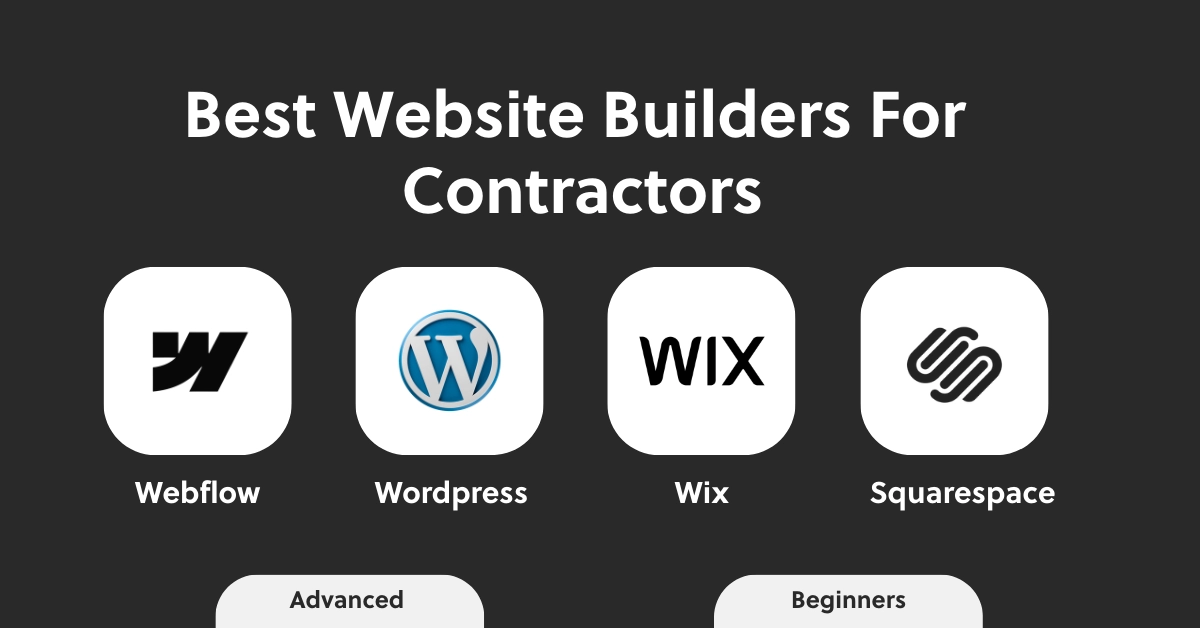
For roofing contractor websites, we typically recommend Webflow or Wordpress, however these require web development skills. These platforms also give you the most flexibility when it comes to SEO, custom design, and lead capture.
If you have no clue how to build a website use Wix or Squarespace, they offer prebuilt templates that you just have to edit with your own text, images, colors, etc...
If you're unsure what platform is right for your business, our web design team at ArsevMedia can help you figure that out.
What to Look For in a Platform
- Full control over your SEO settings
- Mobile-friendly templates
- Fast load times
- Easy integration with CRMs and lead capture tools
The Pages Every Roofing Website Needs
A lot of roofing websites only have a homepage and a contact page. That's not enough to rank well on search engines!
Core Roofing Pages
- Home: Your first impression, make it count
- Service Pages: Break out each service into its own page (roof repair, replacement, inspections, etc.)
- About: Who you are, your mission, how long you've been in business, core values, your team and more.
- Reviews/Testimonials: Social proof is everything, includes reviews and video testimonials.
- Contact: Make it easy to reach you and include a call-to-action button above the fold.
- Service Area Pages: Include one page per city or region you serve (eg. "roofing company in Chicago")
- Blog: Consistently publishing helpful content related to your services builds trust with your audience and signals to Google that your site is active and authoritative. One easy way to start writing blogs is by thinking of common question homeowners ask and then simply writing an article on it. You can also create a proper keyword strategy and then use tools like SEMRush to find commonly asked questions for each keyword.
- FAQ: A frequently asked questions page helps you rank for question-based searches and also feeds directly into AI-powered answer engines. Answer the questions your customers are already asking in a natural way.
How Many Local Service Pages Should I Have?
There's really no cap on how many local service pages you can have, but you want to make sure you're not just duplicating the pages and replacing the city text. This can be interpreted as duplicate content for search engines.
So, the best approach when creating multiple local service pages like "roofing company in Miami" and "roofing company in Tampa" is to make sure you create a unique page for every location by changing up the section layouts, writing a new page copy and replacing images.
What Your Homepage Must Have
Your homepage is where most visitors land first. You have a few seconds to grab their attention before they bounce.
Homepage Must Haves
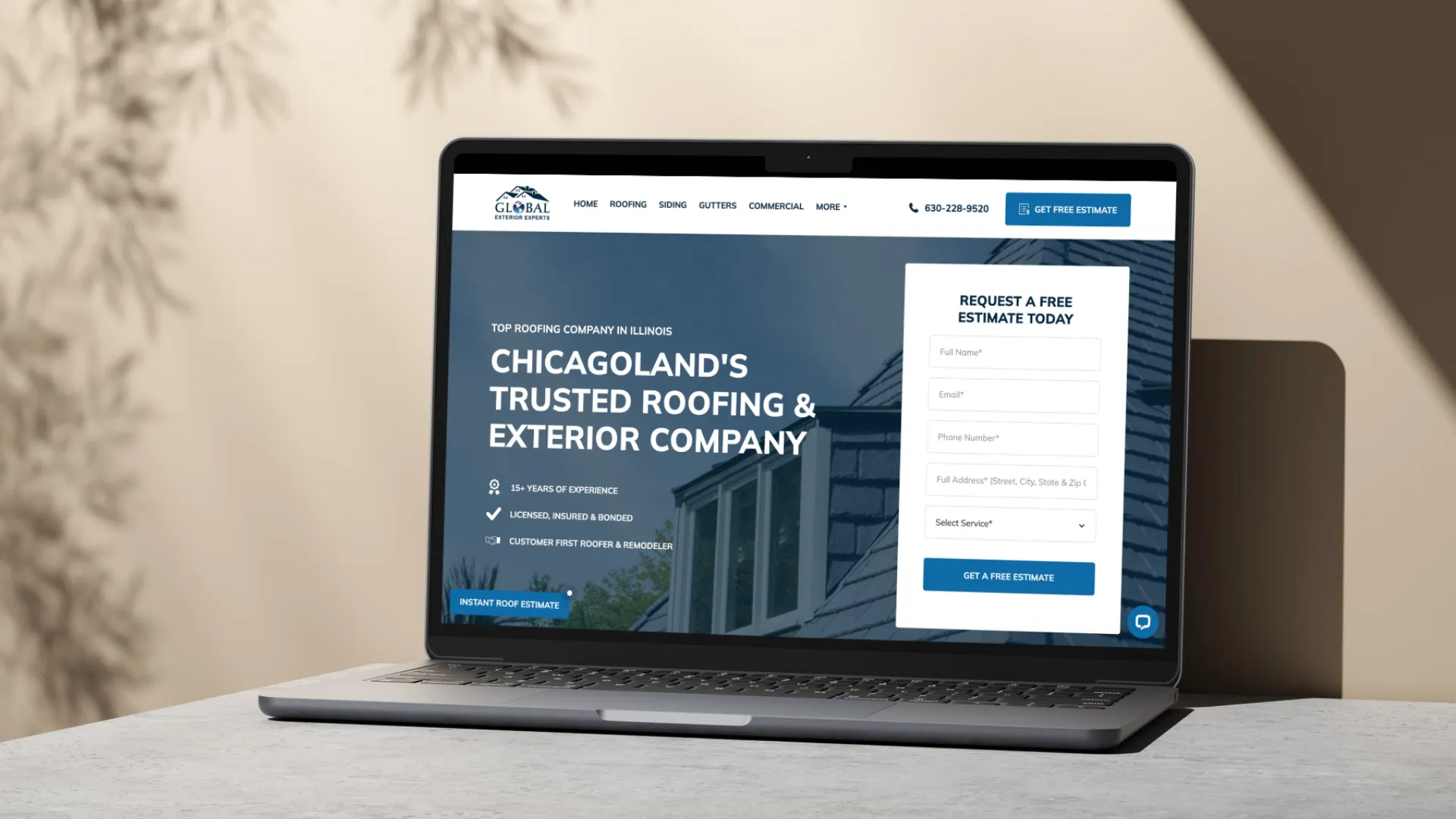
- A clear headline with your state/region and service: Something like "Trusted Roofing Contractor in Texas" tells Google and your visitors exactly who you are and where you operate.
- A strong call-to-action above the fold: Don't make someone scroll to figure out how to contact you. Put a "Get a Free Estimate" button where they can see it immediately without having to scroll for both mobile and desktop.
- Your phone number visible on mobile: Most people searching for a roofer are on their phone. A click-to-call button makes it effortless for them to reach you quickly.
- Trust signals: Licenses, insurance badges, years in business, and review counts all help build credibility right away.
- Services List: Be sure to list all your core services on the homepage with links to each service page. This will in return help with user experience and help your service pages rank higher as-well.

Local SEO Basics for Your Roofing Website
If your website isn't optimized for local search, you're invisible to the people most likely to hire you.
Here's Where to Start
- Title tags and meta descriptions/titles: Every page should have a unique title tag that includes your primary keyword. For example here's geo local service page meta title: "Roof Repair in Austin, TX | Your Company Name."
- H1 headings with primary keyword: Your main headline on each page should include your primary keyword in the H1. For example, if your primary keywrd for a page is "roofing company in Chicago", your main H1 heading for the page shoudl be something like: "#1 Roofing Company in Chicago".
- Google Business Profile: Your website and your Google Business Profile need to work together. Make sure your name, address, and phone number are consistent across both. Be sure your primary category is "Roofing Contractor".
- Schema markup: This is a bit more technical, but adding local business schema to your site helps search engines better understand who you are and what you offer. You can utilize claude.ai to generate schema by providing a similar prompt to this "Generate schema markup for my roofing business, here's the url to the homepage for you to scrape and provide schema for: [insert business url here]"
Key Takeaway: Local SEO isn't a one-time task. It's something you need to consistently work on to stay competitive in your market.
Important: Speed and Mobile Optimization
Page speed is a ranking factor for roofing websites. Google has been clear about that.
If your website takes more than 3 seconds to load, a large portion of your visitors are leaving before they ever see your content. You can check where your site stands using Google PageSpeed Insights.
Mobile optimization is just as important. The majority of roofing searches happen on a phone (over 60%). If your site is hard to navigate on mobile, clunky to scroll through, or your contact form doesn't work properly on a small screen, you're losing leads.
What Slows Down Your Website?
- Large uncompressed images
- Too many plugins or scripts
- Cheap hosting with slow server response times
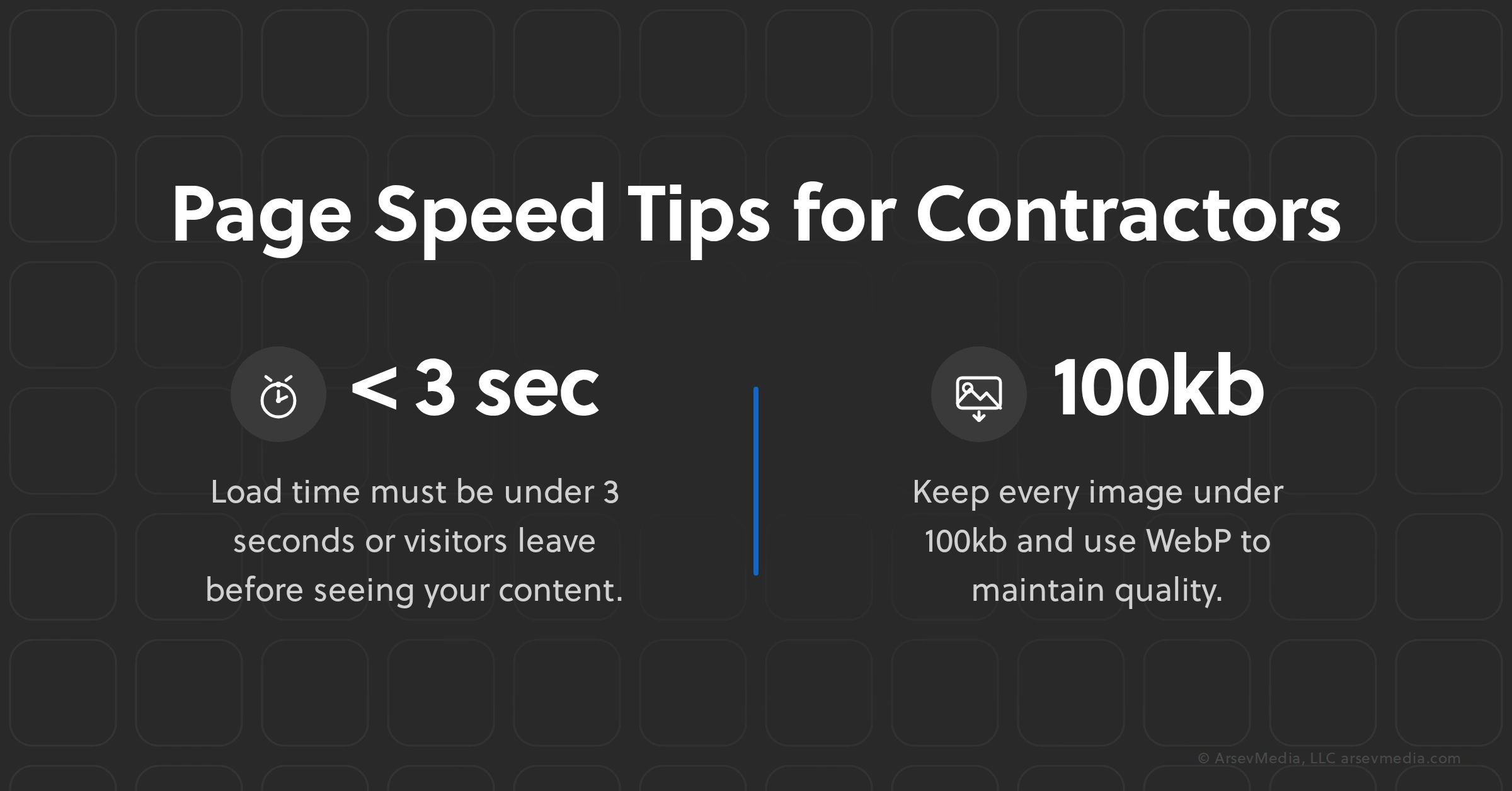
Ensure your page speed is good by using images less than 100kb and use the webp file format for images.
There are other ways to improve page speed as-well like cleaning up your code and using a better host if your CMS allows for it, but these are more advanced techinuqesu that will require a developer.
Final Thoughts
Building a roofing website isn't just about having an online presence. It's about building a system that works for you around the clock, bringing in leads even when you're on a job site.
Get the foundation right: the right platform, the right pages, local SEO, fast load times, and a clear path for visitors to contact you. Do all of that, and your website becomes one of your best employees overtime.
Frequently Asked Questions
How much does it cost to build a roofing website?
A professional roofing website design typically costs between $3,000 and $10,000 depending on the number of pages, custom features, and the web design agency you work with.
What platform is best for a roofing contractor website?
Webflow is the best platform for roofing contractors because of its flexibility, SEO capabilities, and wide range of marketing ntegrations.
How do I get my roofing website to show up on Google?
You need to optimize your pages for local keywords, build out service area pages, claim and optimize your Google Business Profile, and earn backlinks from reputable sources.
Do I need a separate page for each city I service?
Yes, having a dedicated service page for each city you serve significantly improves your chances of ranking high on search engines for the user's query.
Need Help With Contractor Marketing?
We specialize in helping home service businesses upgrade their websites, SEO, and lead generation.
.svg)